Mini-WMS
Configure Vendors for purchase orders.
In a Warehouse Management System (WMS), vendor details are essential for managing purchase orders effectively and ensuring stock traceability.
Click on the Vendor button to
- View existing vendors.
- Add new vendors.
- Update or delete existing vendors.
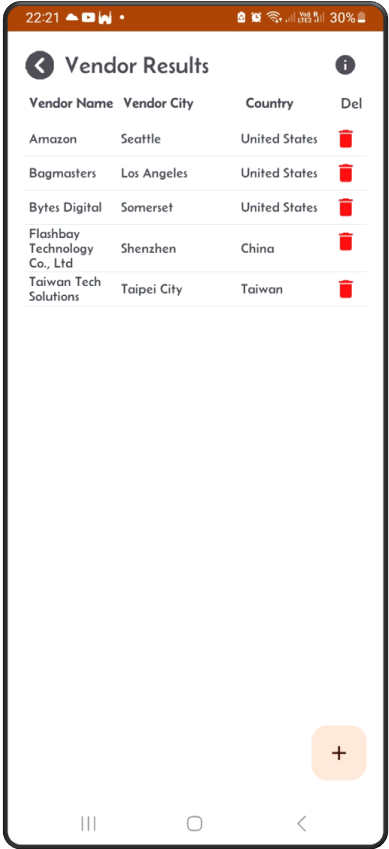
Vendor List
This screen shows a list of vendors.
Update Existing Vendor
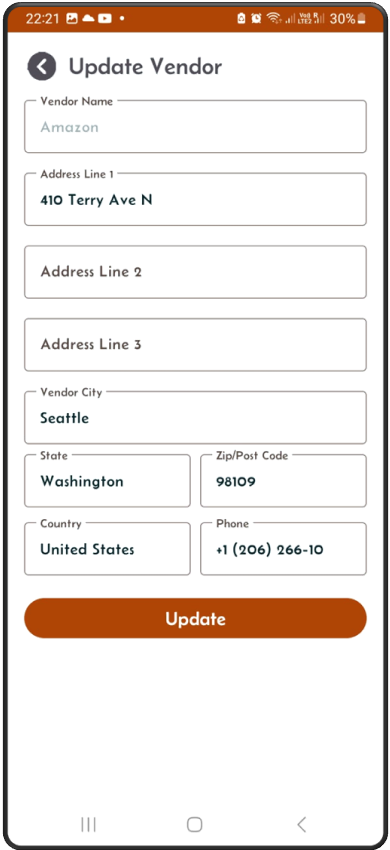
Click on one of the lines in the vendor list. The update screen will appear, allowing you to modify the details of the selected vendor.
Add New Vendor
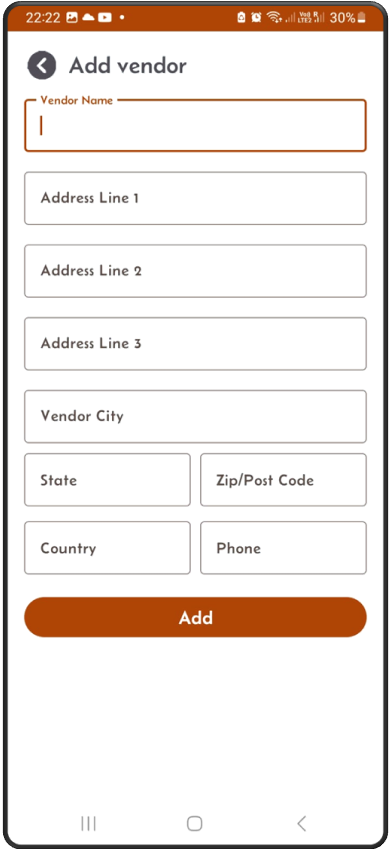
From the vendor list screen, click on the ‘+’ sign to add new vendor. This screen below will appear.